

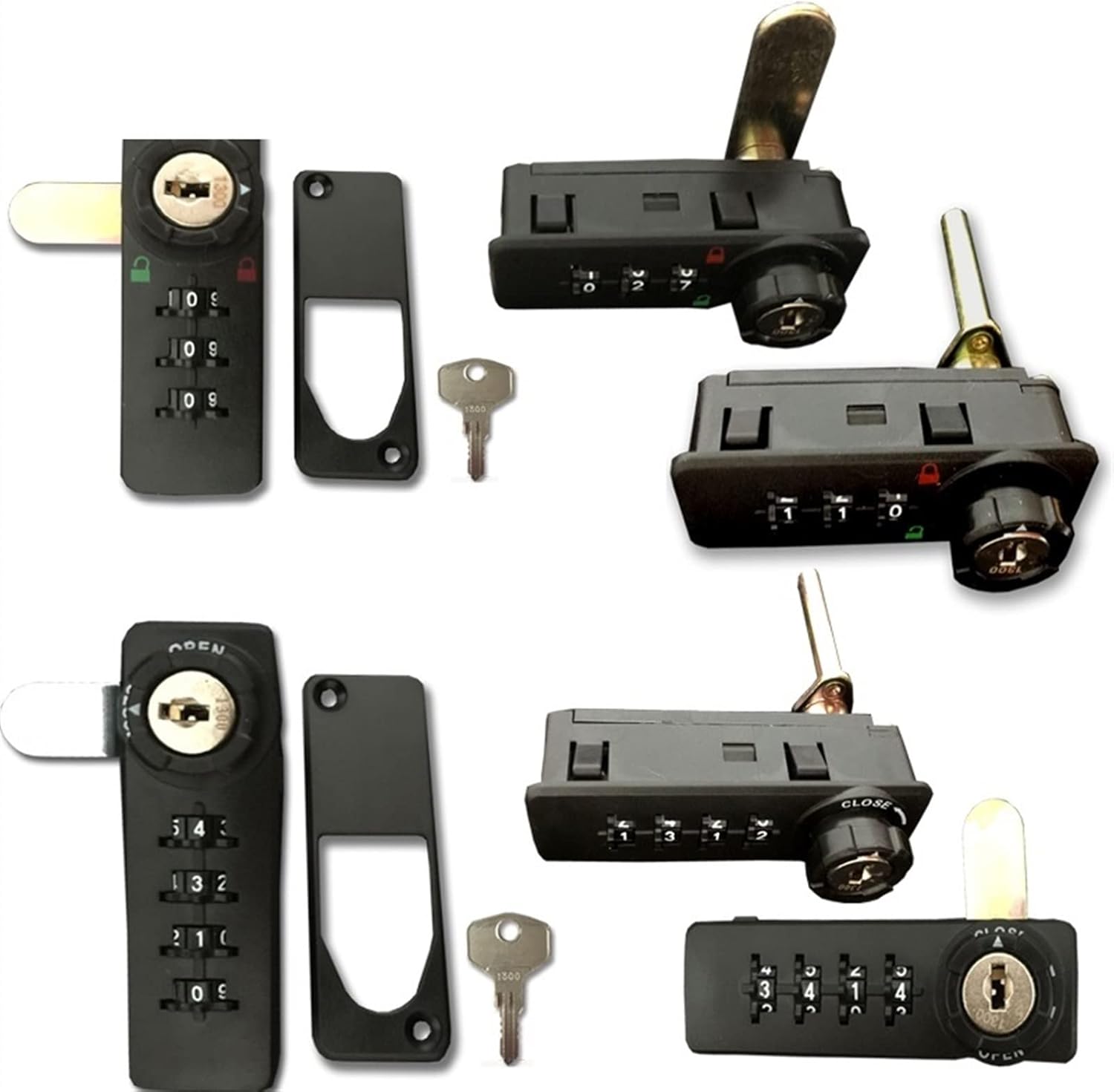
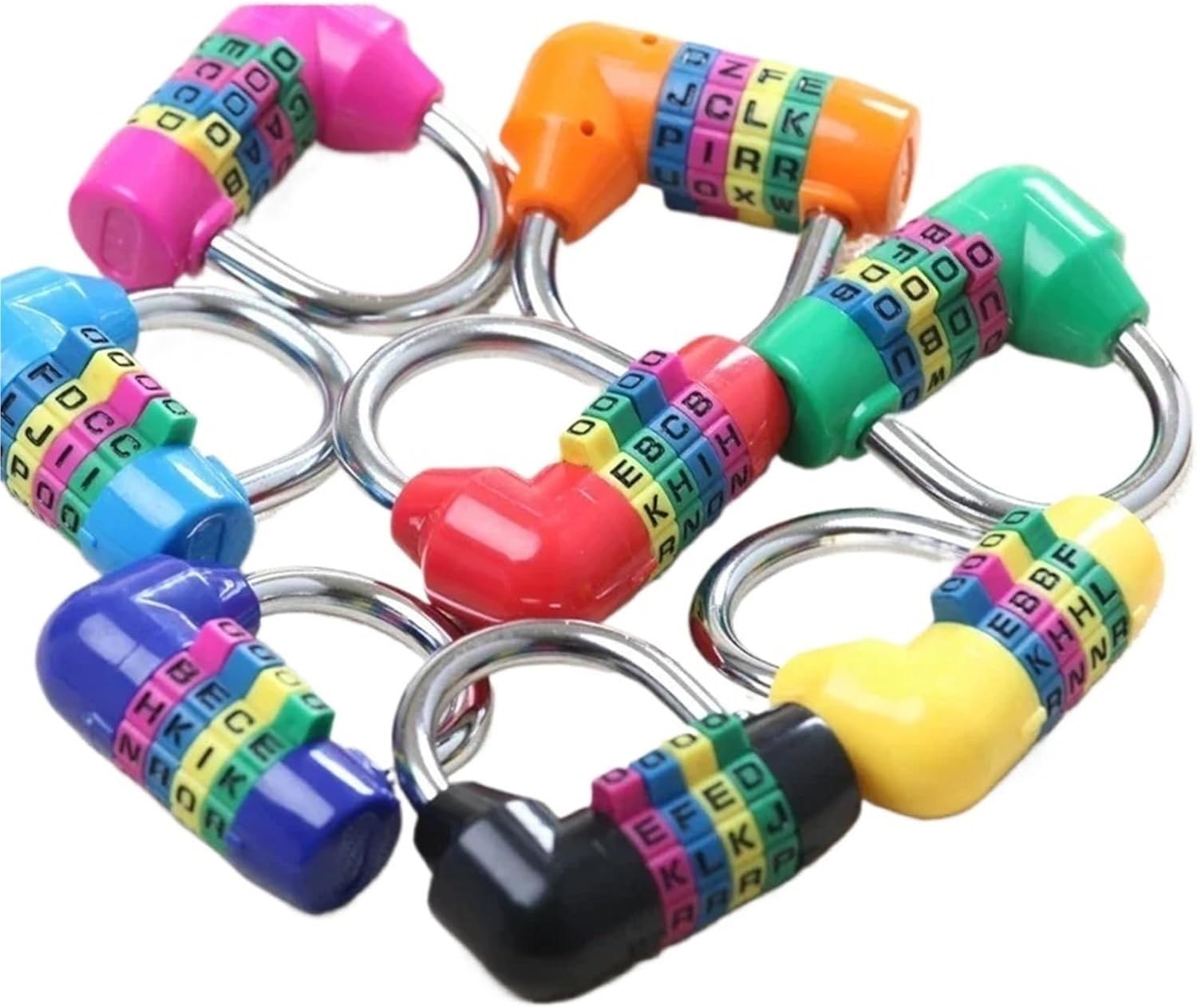
Aluminum Alloy Mini 3 Digits Number Password Code Lock Combination Padlock Pad Lock Resettable for Travelling Bag Door 1Pcs(Black)
Product details
| Management number | 210219542 | Release Date | 2026/04/02 | List Price | $16.72 | Model Number | 210219542 | ||
|---|---|---|---|---|---|---|---|---|---|
| Category | |||||||||
Hardware / Locks[Password setting] The initial password of the lock is 0-0-0. The steps to reset the password are as follows :1. Open the lock, pull up the lock beam and rotate it 180 degrees, align the raised point of the lock beam with the concave point of the lock body, press the lock beam and keep it still .2. Try to turn a password wheel, set a password, align the password numbers with the indicating line, loosen the lock beam, and the password is set successfully . Remember your password. To change the password again, repeat the steps above. When changing the password, you are advised to change the password from 0-0-0 to 0-0-1 to familiarize yourself with the password adjustment method. After you have fully mastered the password adjustment method, change the password to the desired one.Handle Direction : Left PullLock Type : U Shape Lock
- Hardware / Locks
| Color | Black |
|---|---|
| Lock Type | Biometric |
| Brand Name | CXYFQUUK |
| Manufacturer | CXYFQUUK |
| Model Number | CXYFQUUK |
| Item Dimensions | 0.39 x 0.39 x 0.39 inches |
| Additional Features | Alarm |


Customers who viewed this product also viewed
Combination Padlocks



Correction of product information
If you notice any omissions or errors in the product information on this page, please use the correction request form below.
Correction Request Form